Video guides
See MartialArtsBracket in use, one task per video, in English and Spanish. The names and schools in the videos are examples.
Getting started
3 videosStart here: how your console is organized.
 1:09Your console: Tournament and My SchoolTu consola: Tournament y My SchoolThe two halves of your console: Tournament, for the events your students compete in, and My School, for your school day to day.
 1:30How to request access, and what happens nextCómo pedir acceso y qué pasa despuésHow to request access for your organization or school, and what happens after you send it.
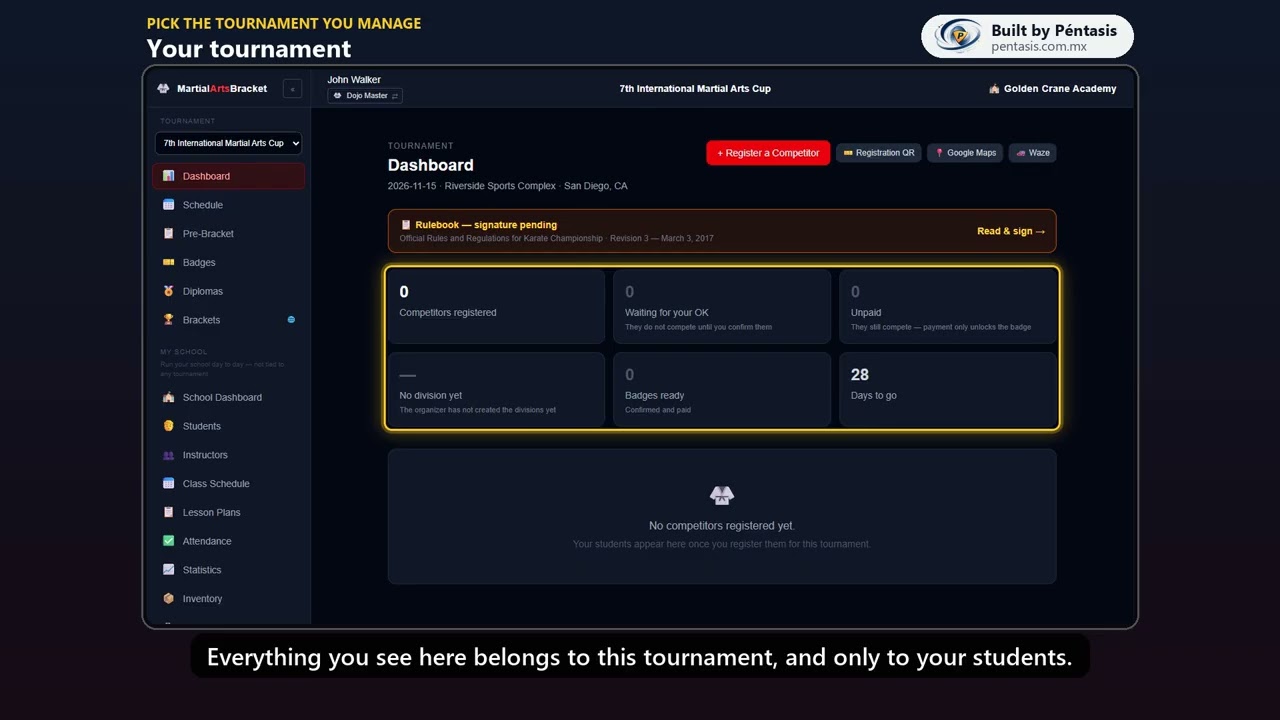 1:02Pick the tournament you manageElige el torneo que manejasHow to pick the tournament you are managing, and what opens up once you do.
Tournament
5 videosEverything about the tournaments your students compete in.
 2:03How to register a competitorCómo registrar un competidorSign a student up: their details, disciplines, the rank-in-another-art warning, and how Self-Defense partners pair up.
 1:20Confirm and mark as paidConfirmar y marcar pagadoWhy a competitor waits for your OK, how to confirm them, and how marking them paid unlocks their badge.
 0:59The registration QR for your schoolEl QR de inscripción para tu escuelaPrint the registration QR for your school so students sign up on their own.
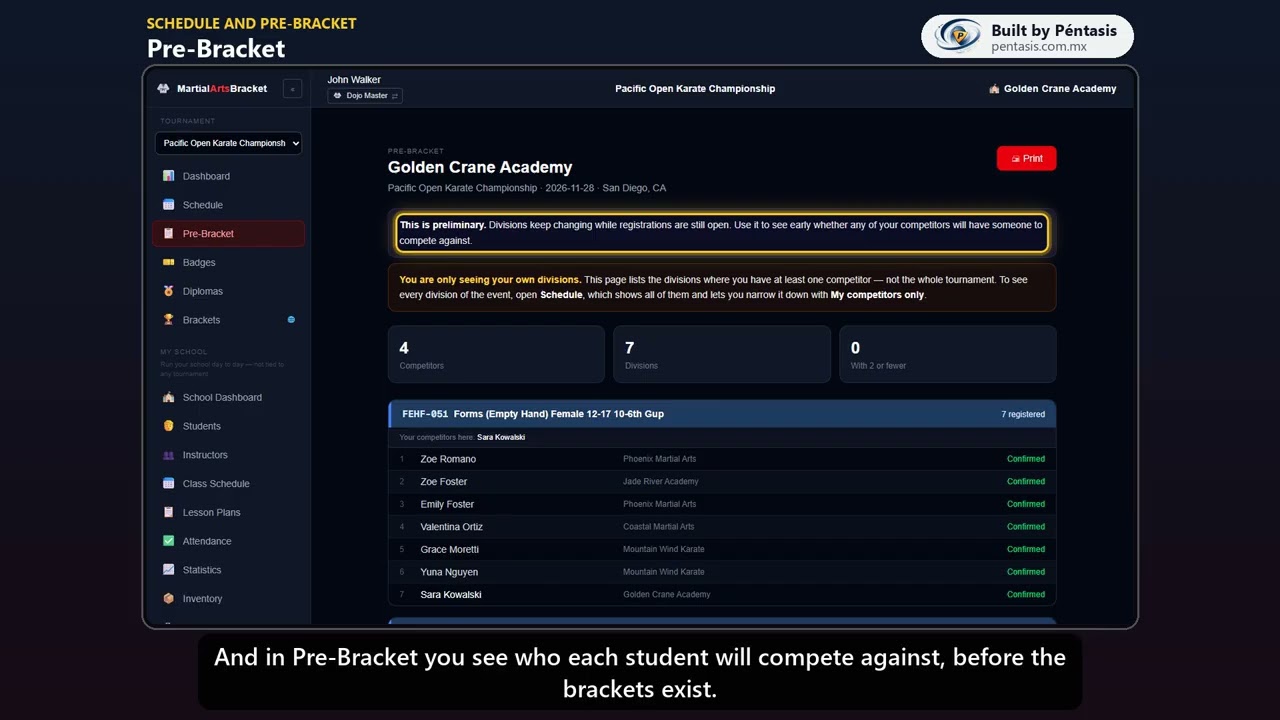 1:06Schedule and Pre-BracketHorario y Pre-BracketWhen and where each student competes, and who they will face before the brackets exist.
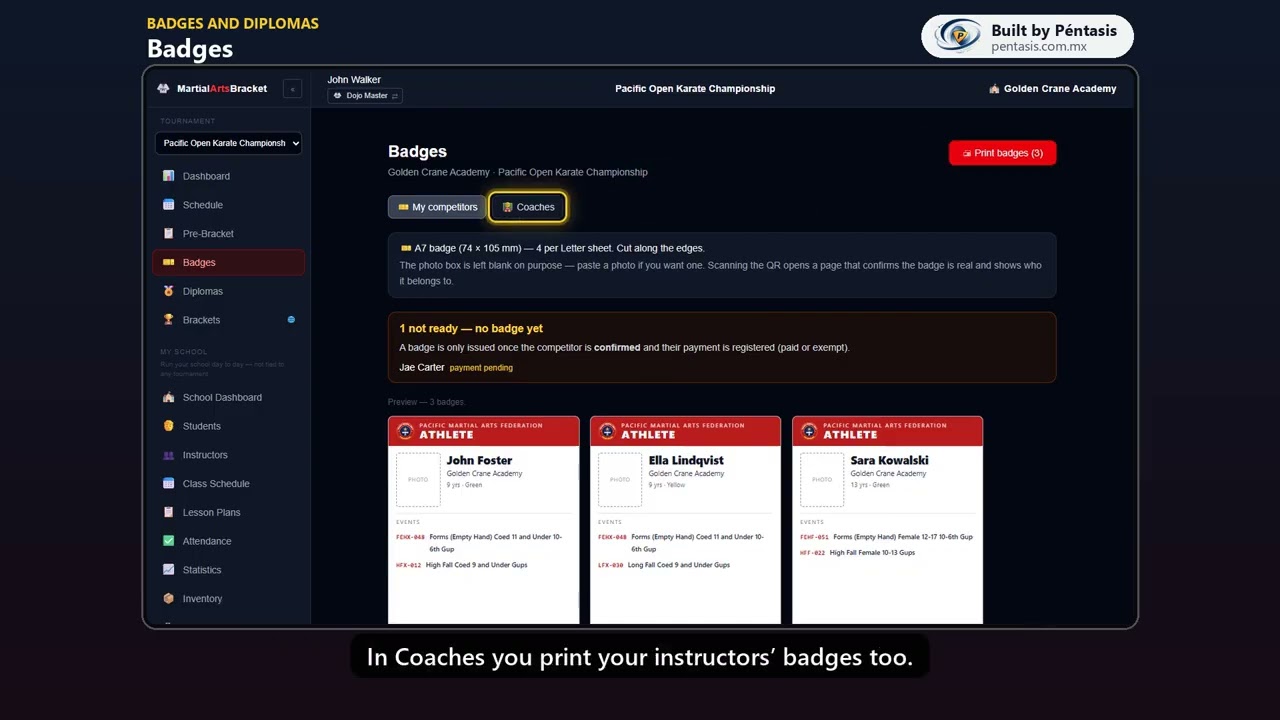 1:01Badges and diplomasGafetes y diplomasPrint your students' badges and their participation diplomas.
My School
5 videosRunning your school day to day.
 1:20School Dashboard and "Needs you"School Dashboard y «Needs you»What your school needs today, and how "Needs you" walks you through what is missing.
 1:23Add your studentsDa de alta a tus alumnosAdd students one by one or bring them all in from a spreadsheet.
 1:08Create your class groupsCrea tus grupos de claseSet up your class groups, their schedule, and who trains in each one.
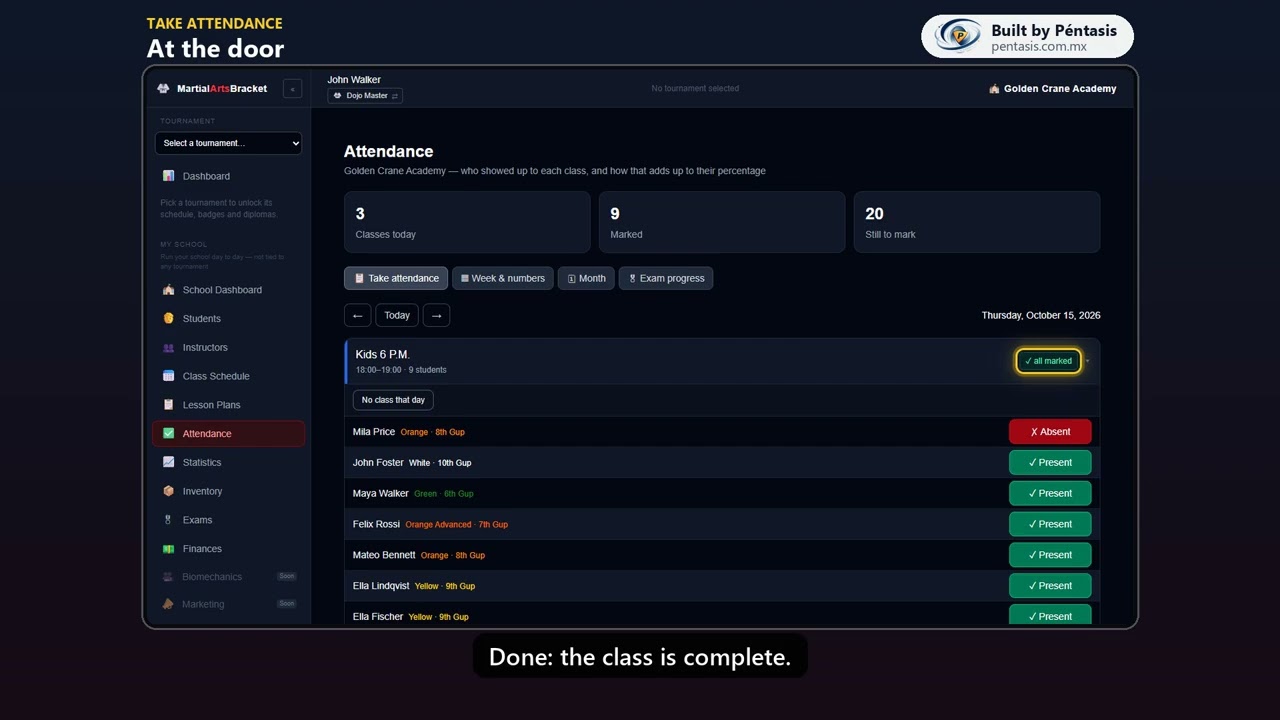 1:14Take attendancePasa listaTake attendance at the door, catch up on the week, and read each student’s numbers.
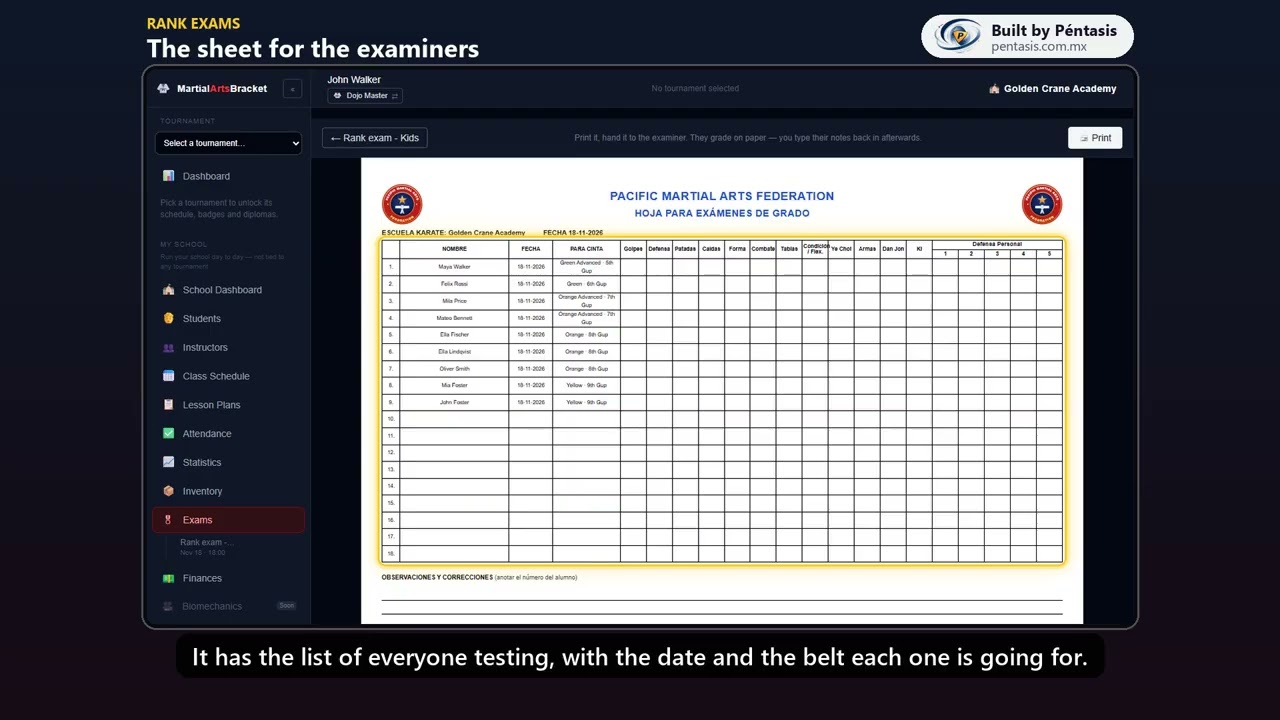 1:53Rank examsExámenes de gradoCreate a rank exam, add your students, grade them, and award their new belt.
Finances
4 videosWhat you charge, what you spend and what you keep.
 1:42Start your catalogArranca tu catálogoA quick tour of Finances, then the base of everything: your services, tuition plans, each student’s plan and the shop.
 1:21Raise tuition and chargeGenera la colegiatura y cobraRaise the month's tuition, charge at the counter, and hand out the receipt.
 1:14Close the dayCierre del díaClose the day: what came in by payment method and whether the cash drawer adds up.
 2:37Point of Sale, in depthPoint of Sale a fondoPoint of Sale in depth: who you charge, what they take, partial payments, putting it on their account, and the receipt.
For judges
9 videosScoring, your area and Ring Logistic on tournament day.
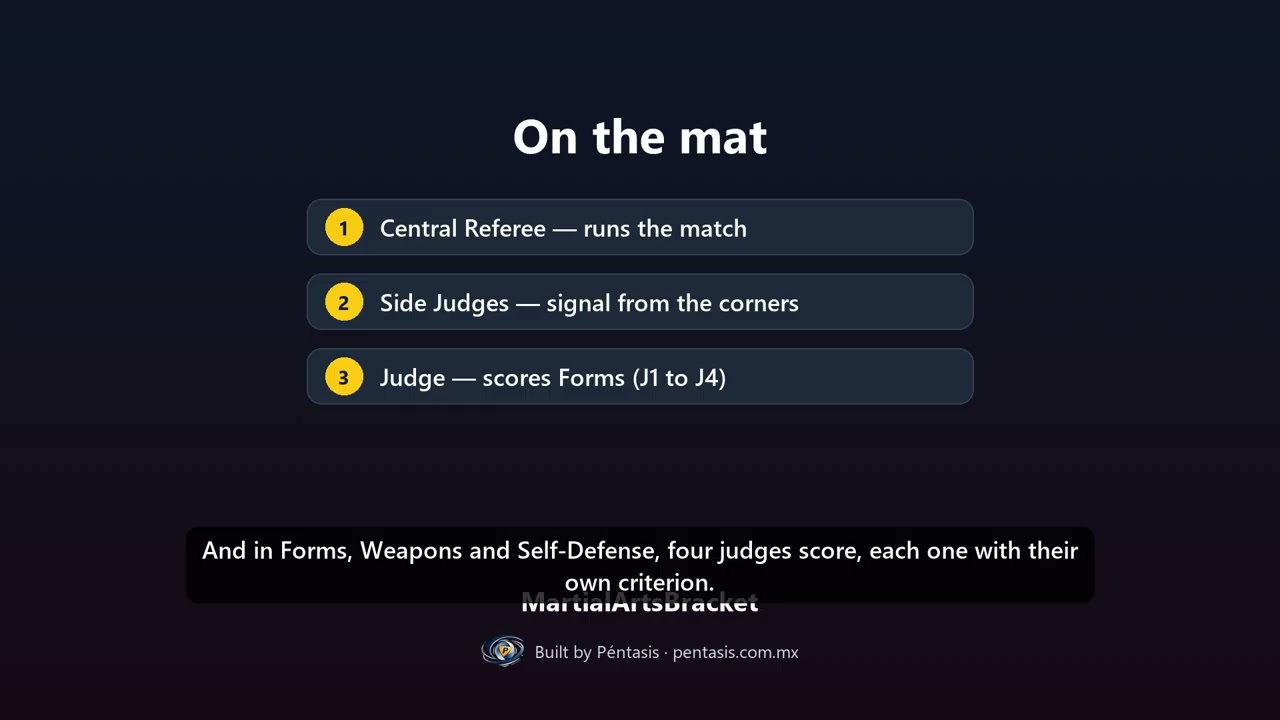 1:29Judging at a tournament: the rolesJueces en el torneo: los rolesHow a tournament day works for judges: areas, teams, and what each role does.
 2:11Your judge consoleTu consola de juezLog in as a judge, check your area, roles and team, sign the rulebook, and find what to score.
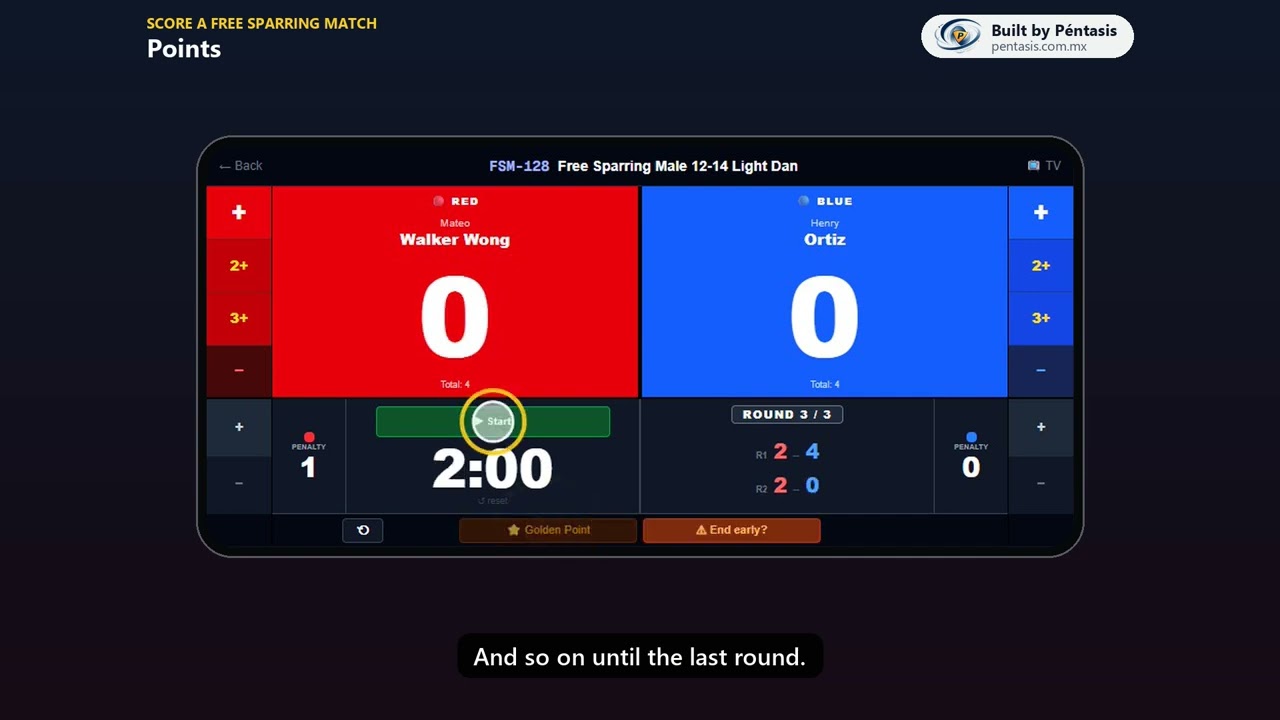 2:01Score a Free Sparring matchCalifica un combateScore a match on your phone: points, penalties, rounds, Golden Point and the big screen.
 1:42Forms, Weapons & Self-Defense by roundsFormas, Armas y Defensa Personal por rondasScore by rounds: four judges, the average, automatic tie-breaks and medals.
 2:29Score jumps (High / Long Fall)Califica los saltosScore jumps: the round target, the three flags, up to three attempts, and the medals.
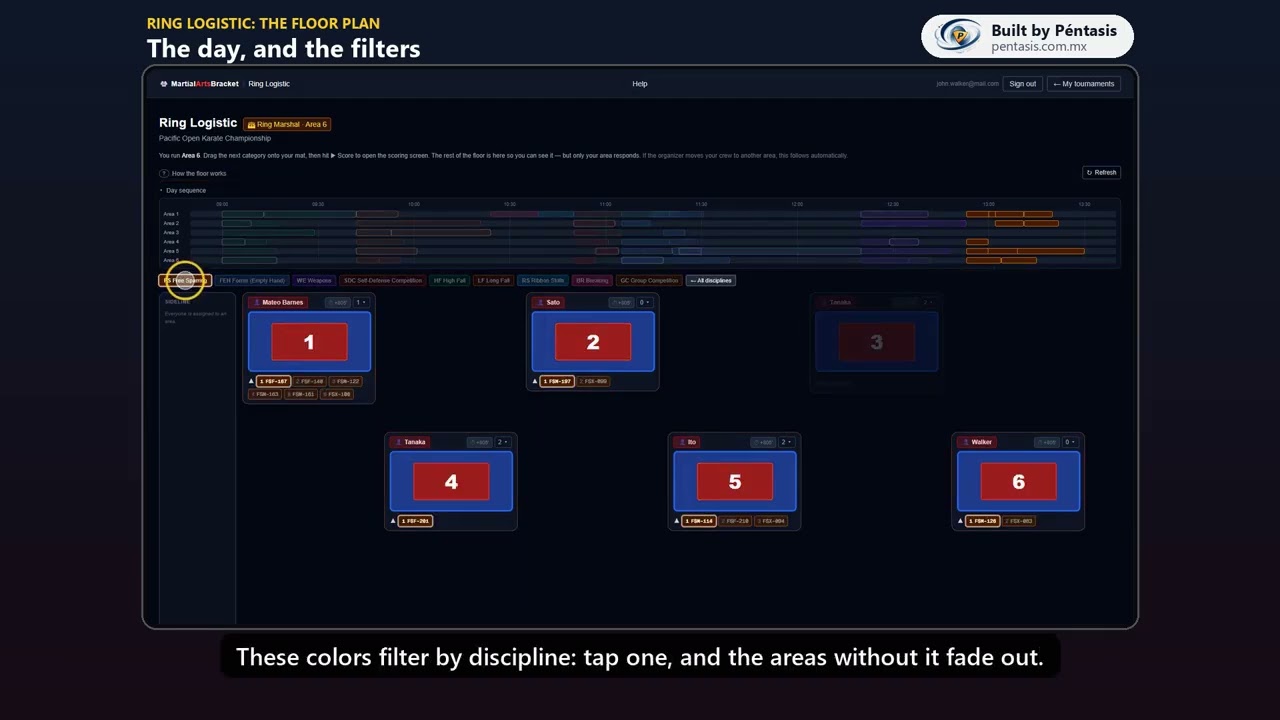 1:54Ring Logistic: the floor planRing Logistic: el plano del recintoRead the floor plan: the day sequence, the filters, and what each area shows.
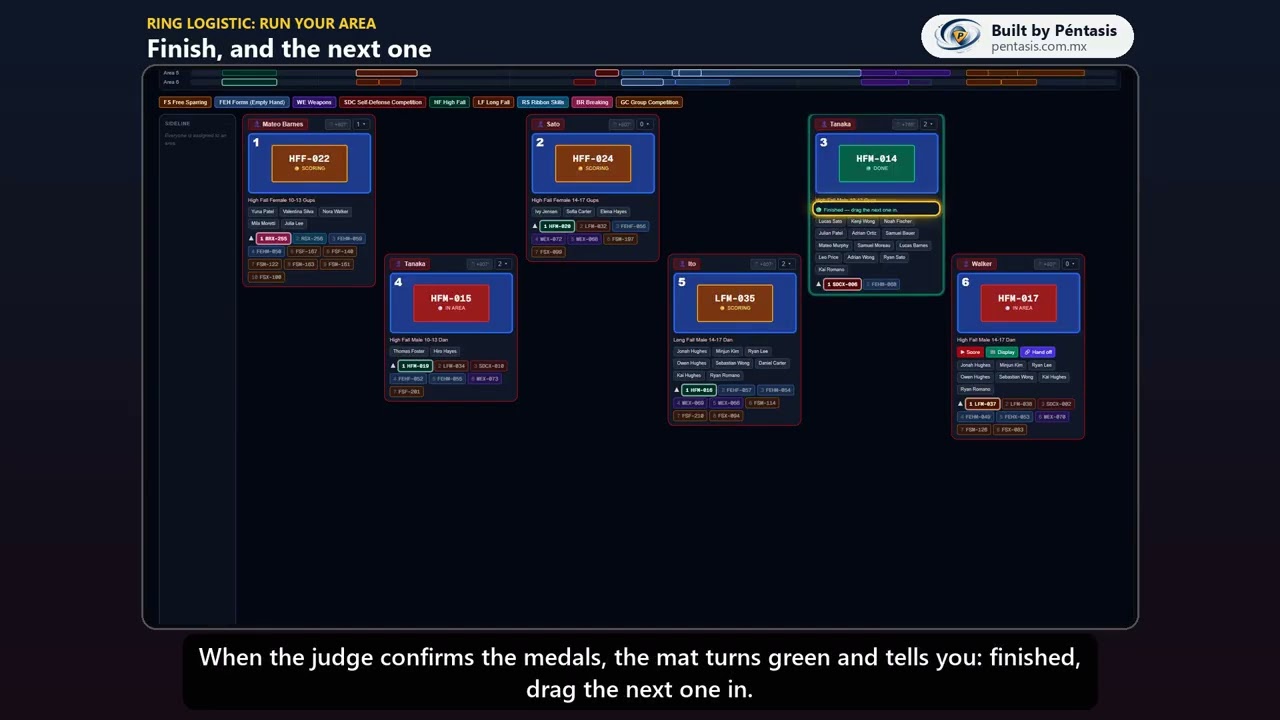 1:14Ring Logistic: run your areaRing Logistic: lleva tu áreaRun your area as Ring Marshal: into the mat, Score, Display, Hand off, and the podium.
 1:07Ring Logistic: move judges and divisionsRing Logistic: mueve jueces y divisionesFor organizers: move judges between areas, use the sideline, and move a division.
 4:02One phone: Ring Marshal and Score KeeperUn solo celular: Ring Marshal y Score KeeperOne judge, one phone: run your area as Ring Marshal and score it as Score Keeper, start to finish.
For organizers
6 videosRun your organization: schools, divisions, your tournament and its judges.
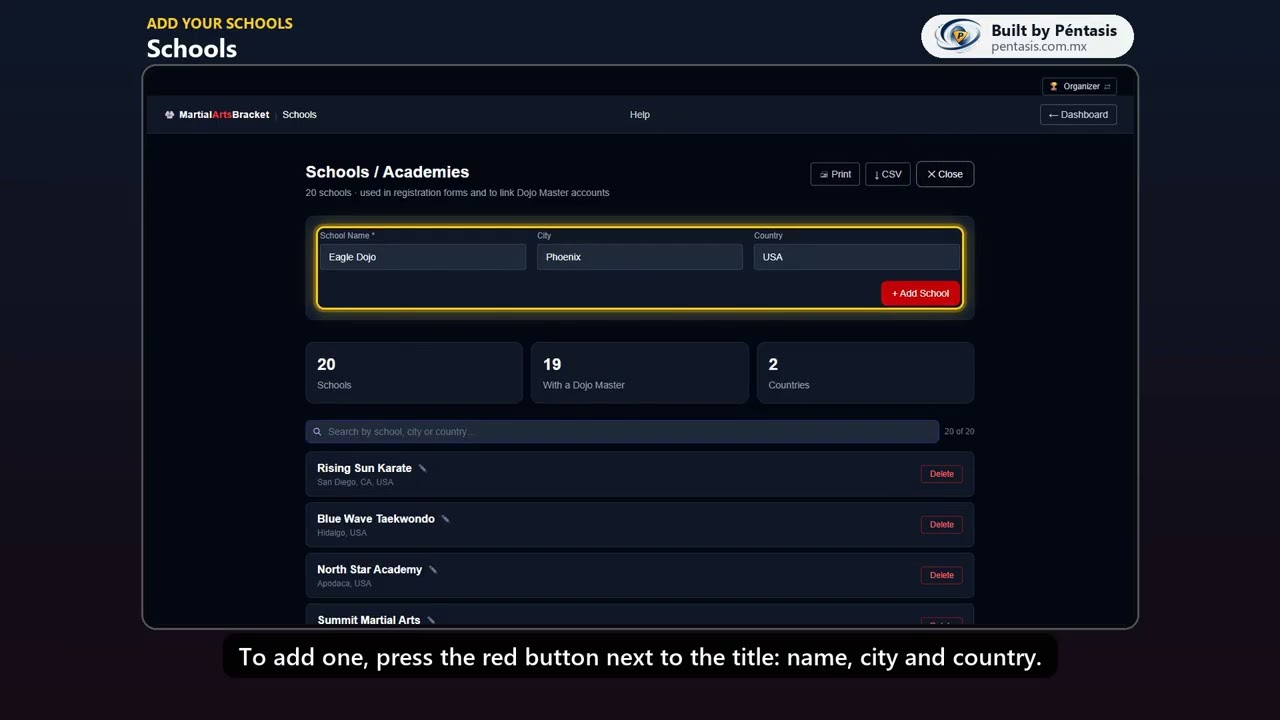 0:48Add your schoolsDa de alta tus escuelasAdd the schools that bring competitors to your tournaments, find them and fix a name.
 0:47Give each school its Dojo MasterDale a cada escuela su Dojo MasterAdd each school’s teacher, then open their card to pick their school and make them the owner.
 0:46Check your divisions and beltsRevisa tus divisiones y cintasWho competes against whom: your divisions, their codes and rounds, and the order of your belts.
 0:40Create your tournamentCrea tu torneoCreate a tournament as a draft: dates, venue and areas, then its organizers and poster.
 0:39Publish it and share the QRPublícalo y comparte el QRPublish to open registration, share the QR for your poster, and see the page families use.
 0:44Add your judgesAgrega a tus juecesAssign judges to a tournament: their roles, their area and team, and how they get their access.